Yes, you can do a gait analysis at home. A phone can now turn a short video of you walking into the same measures a clinic would look at: walking speed, step length, cadence and how evenly your two legs share the work. What makes a home result useful, though, isn't the app alone. It's picking a method that measures what you care about, recording the walk the same way every time, and knowing how big a change has to be before it means something. This guide walks through all three.
Why measure your walk at home?
Walking speed is one of the most studied single measures of health in older adults: across nine cohorts and 34,485 people, it was associated with survival in every one (Studenski et al., JAMA 2011). A clinic sees one walk on one day. At home you can measure as often as you like, in the place where you actually walk, and follow the trend. That trend is where most of the value is: a single result tells you where you are, a series tells you which way you're going.
Three kinds of gait analysis app
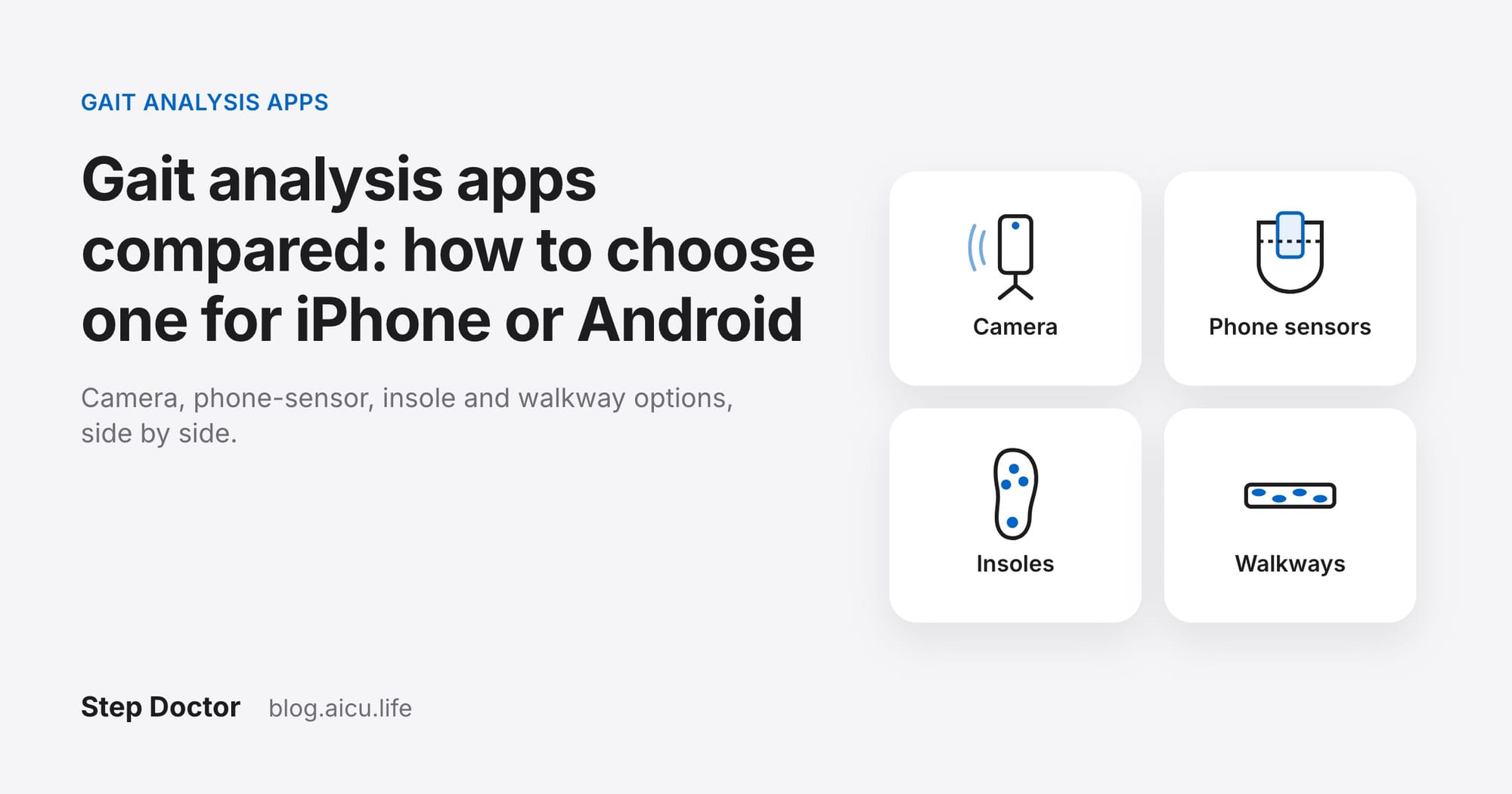
Apps for measuring your walk at home work in one of three ways. They differ in what you need, what they can see and how much you can check what they measured.
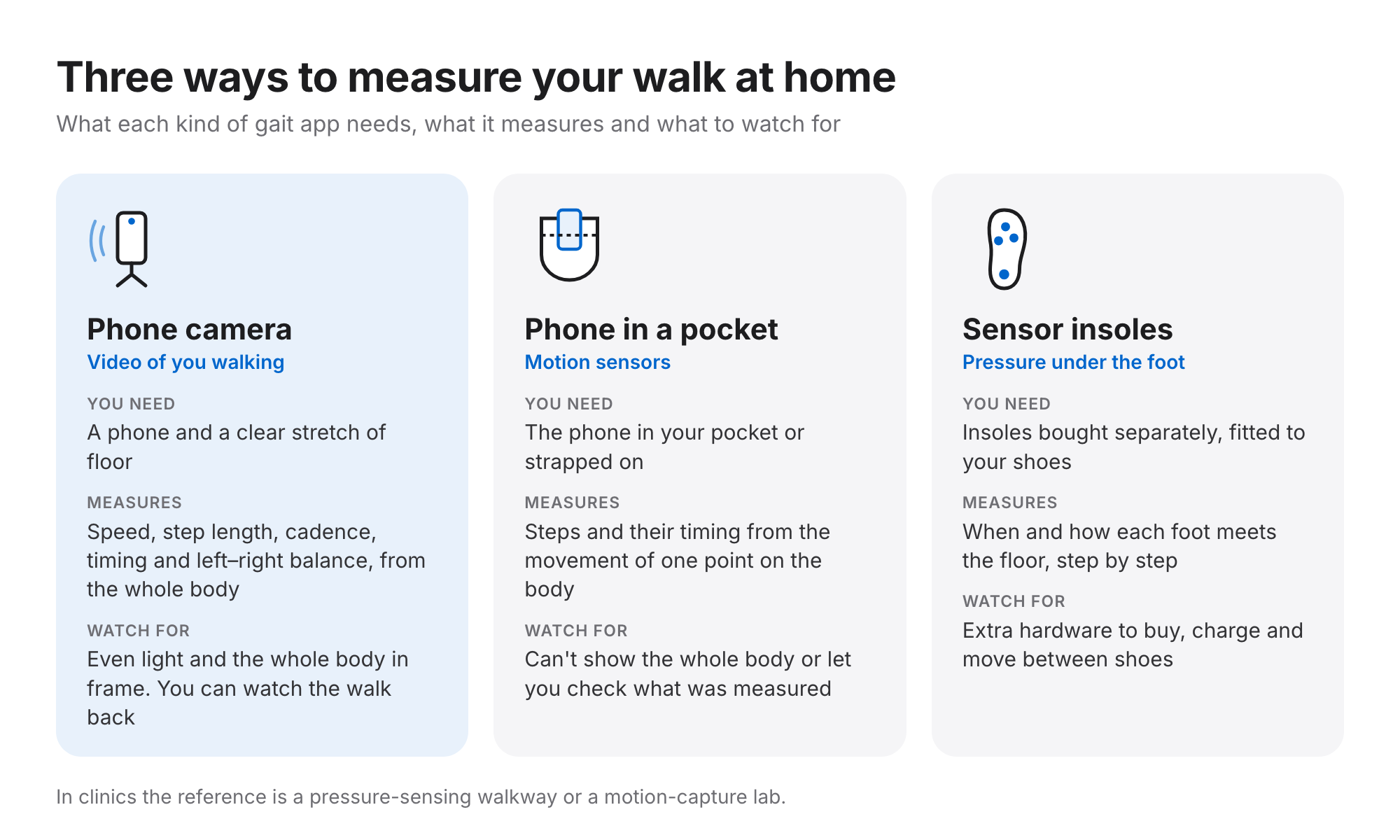
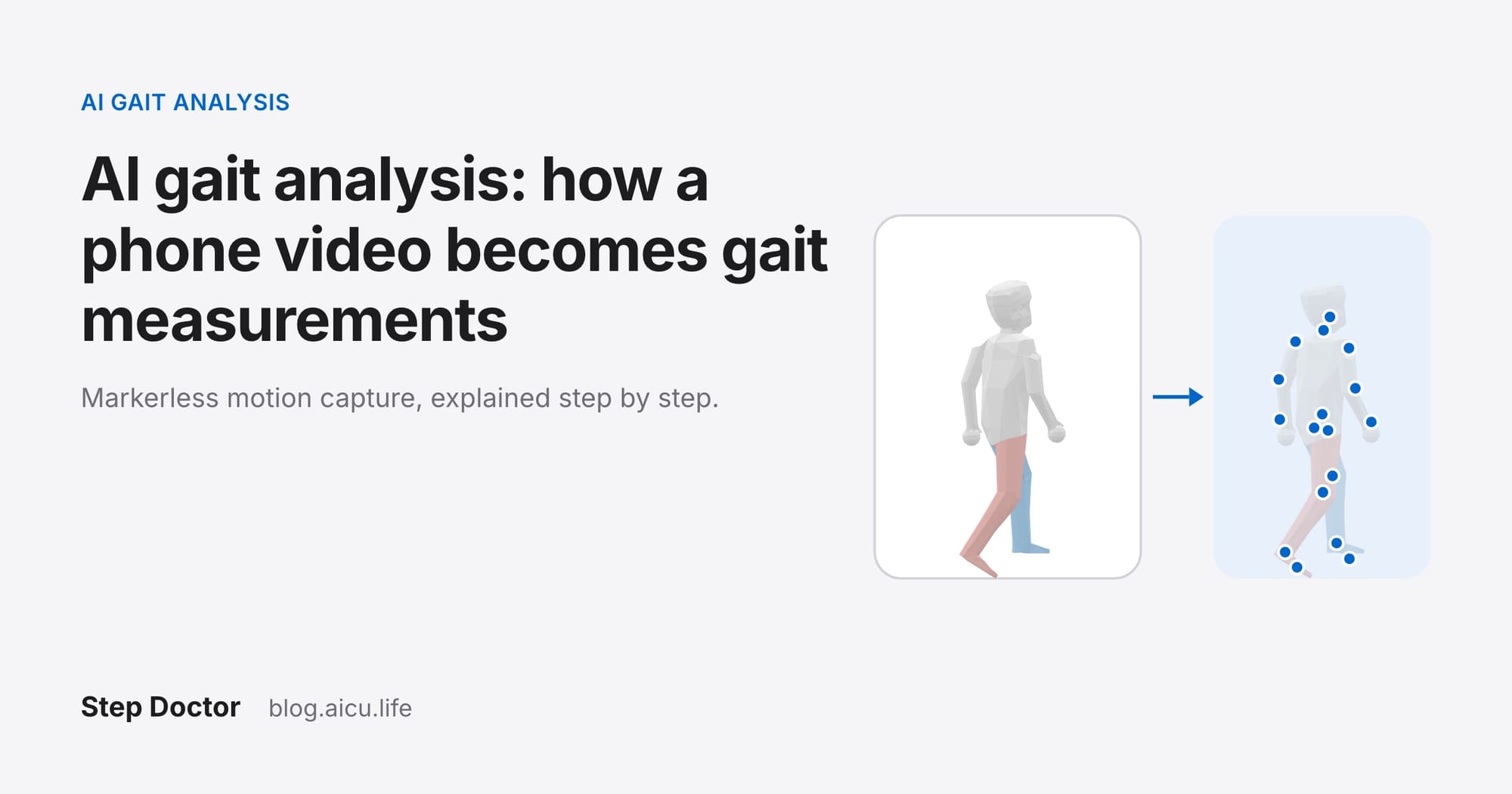
- Phone camera (video). You prop the phone up and walk toward it. The app rebuilds your body from the video, so it can measure the whole walk, not just one point, and you can watch the result back to see exactly which steps it counted.
- Phone in a pocket (motion sensors). The phone's accelerometer and gyroscope infer steps from the movement of one point on the body. Convenient for tracking through the day, but it can't show you the walk it measured.
- Sensor insoles. Pressure sensors in your shoes record how each foot meets the floor. Detailed for foot contact, but it's extra hardware to buy, charge and move between shoes.
In clinics and studies, the reference all three are compared against is a pressure-sensing walkway or a motion-capture lab. Our guide to gait analysis apps and tools lists 13 options across these types, with each vendor's own published evidence.
Six questions before you choose an app
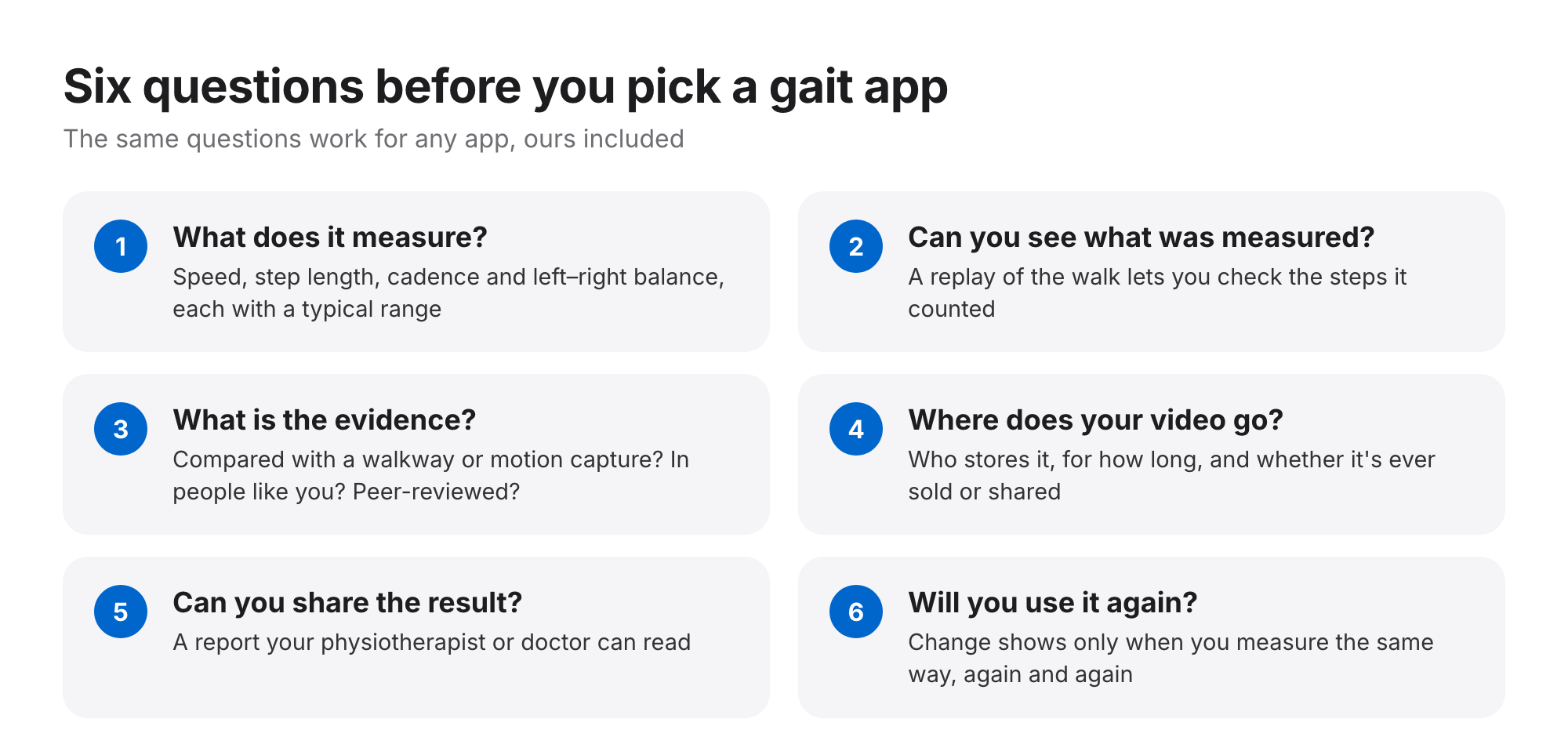
- What does it measure? At minimum: walking speed, step length, cadence and left–right balance, each shown against a typical range so you know what the number means.
- Can you see what was measured? A replay of the walk lets you check that the app counted your steps, not someone walking past.
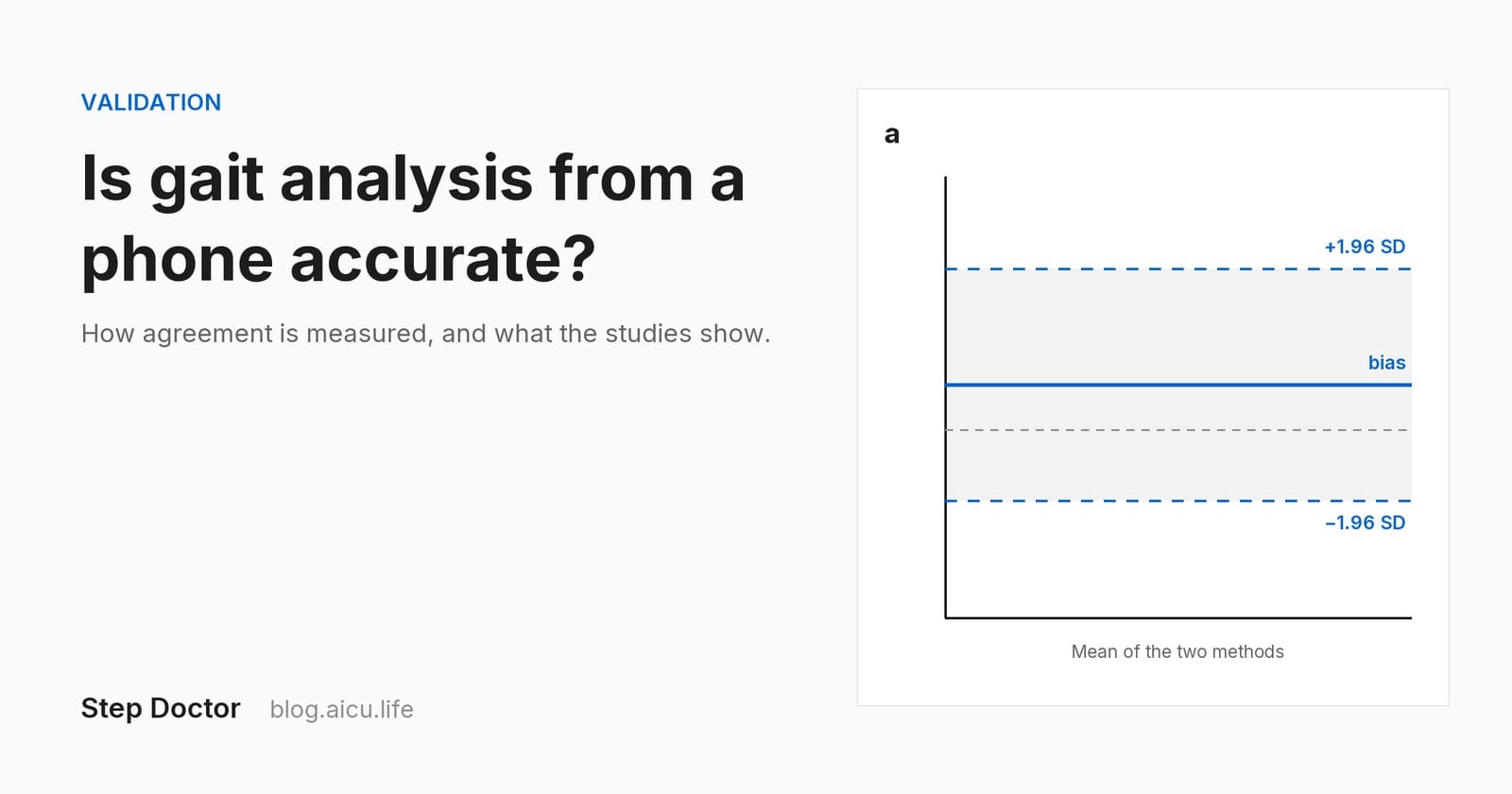
- What's the evidence? Look for a comparison with a walkway or motion capture, in people like you. In controlled studies, one camera method measured gait speed within 0.03 m/s of motion capture on average (Stenum et al., 2021); a single-phone video method agreed closely with a walkway in older adults (ICC 0.98; Azhand et al., 2021, developer-authored); and a phone-in-pocket app agreed with a body-worn sensor system (ICC 0.935; Shahar & Agmon, 2021, developer-funded). Our article on how phone gait analysis is validated explains how to read those numbers.
- Where does your video go? Check who stores it, for how long and whether it's ever sold or shared.
- Can you share the result? A PDF report your physiotherapist or doctor can read turns a home measurement into a conversation.
- Will you use it again? A tool you'll only use once can't show you change.
How to record a good walk at home
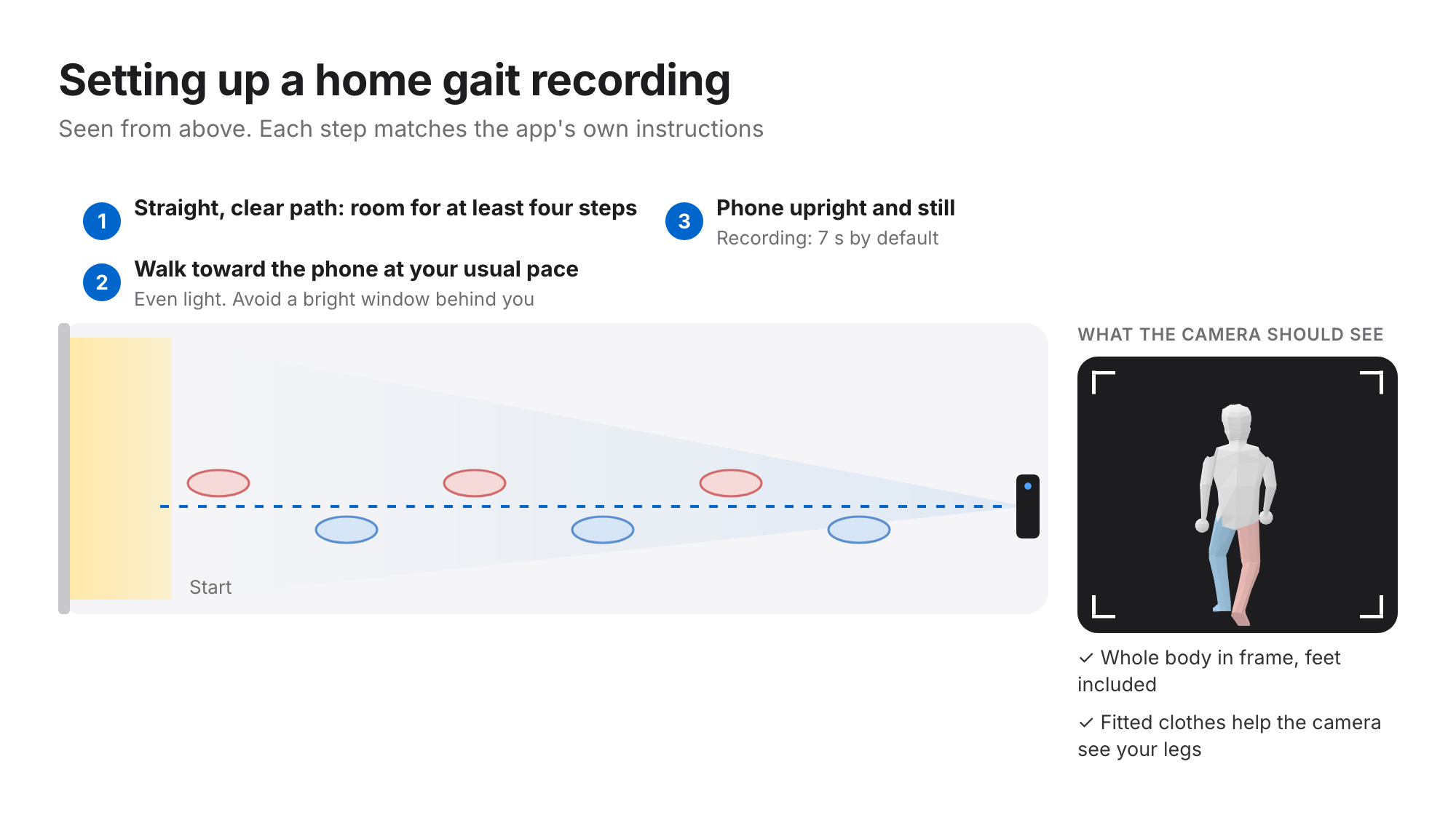
The setup below is the one Step Doctor uses, but the same rules help any camera-based app: the clearer the view of your whole body, the better the measurement.
- Calibrate once. The first time, the app checks the camera with the phone standing upright and still. Each camera only needs this once.
- Stand the phone up. Prop it on a stable surface facing a straight, well-lit space with room for at least four steps, or ask someone to film. Fitted clothes help the camera see your legs.
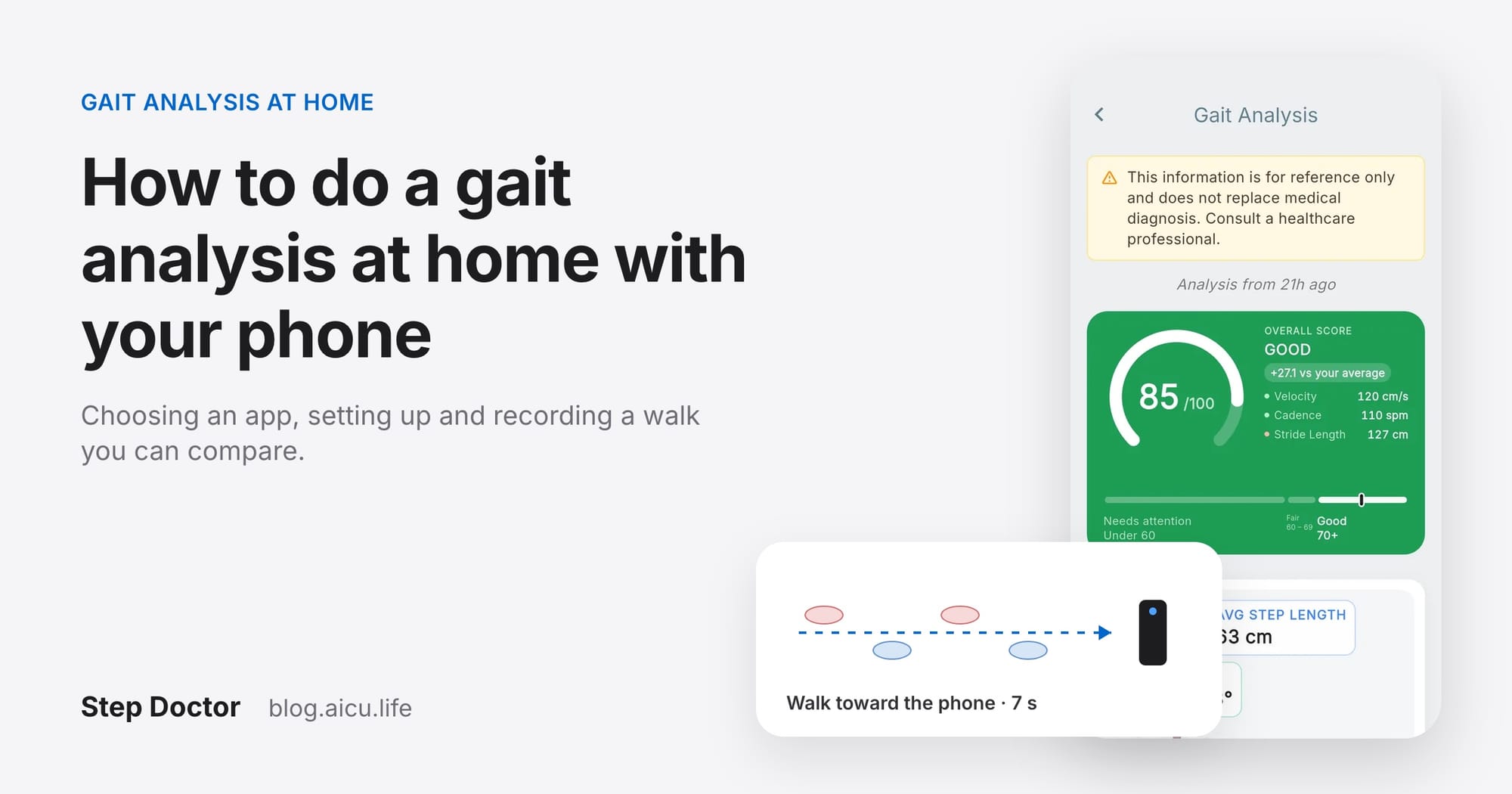
- Walk toward the phone at your usual pace while the recording runs: 7 seconds by default, or 3, 5 or 10 seconds in settings. Keep your whole body in frame, feet included.
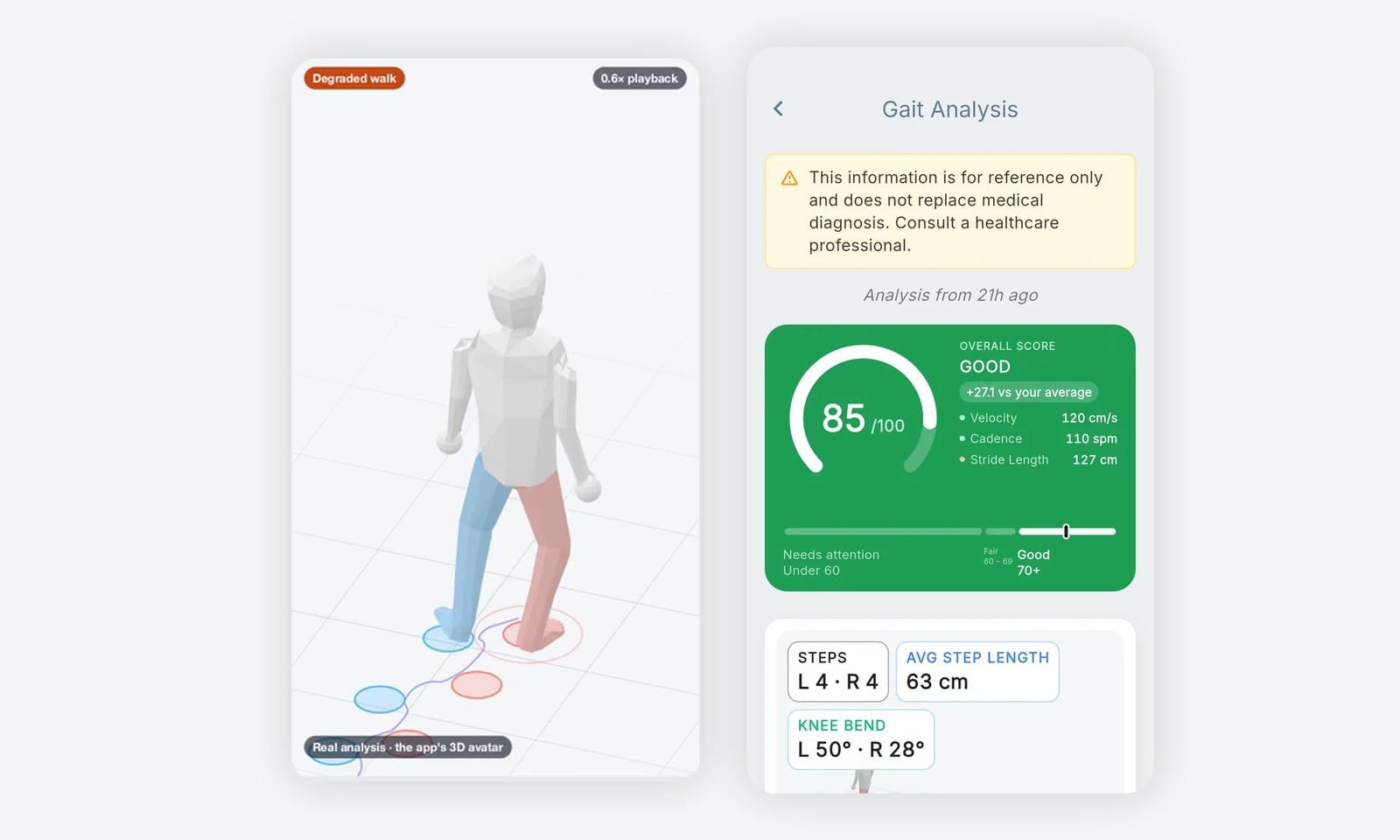
- Get your result. The video is analysed in under 10 seconds after upload: a 0–100 gait score, every measure with its typical range, a 3D replay and a PDF report.
Here's what that looks like: two real walks recorded with Step Doctor and replayed on the app's 3D avatar (no faces are shown): a typical walk with a gait score of 84, then a slower one that scored 23.
Make your results comparable
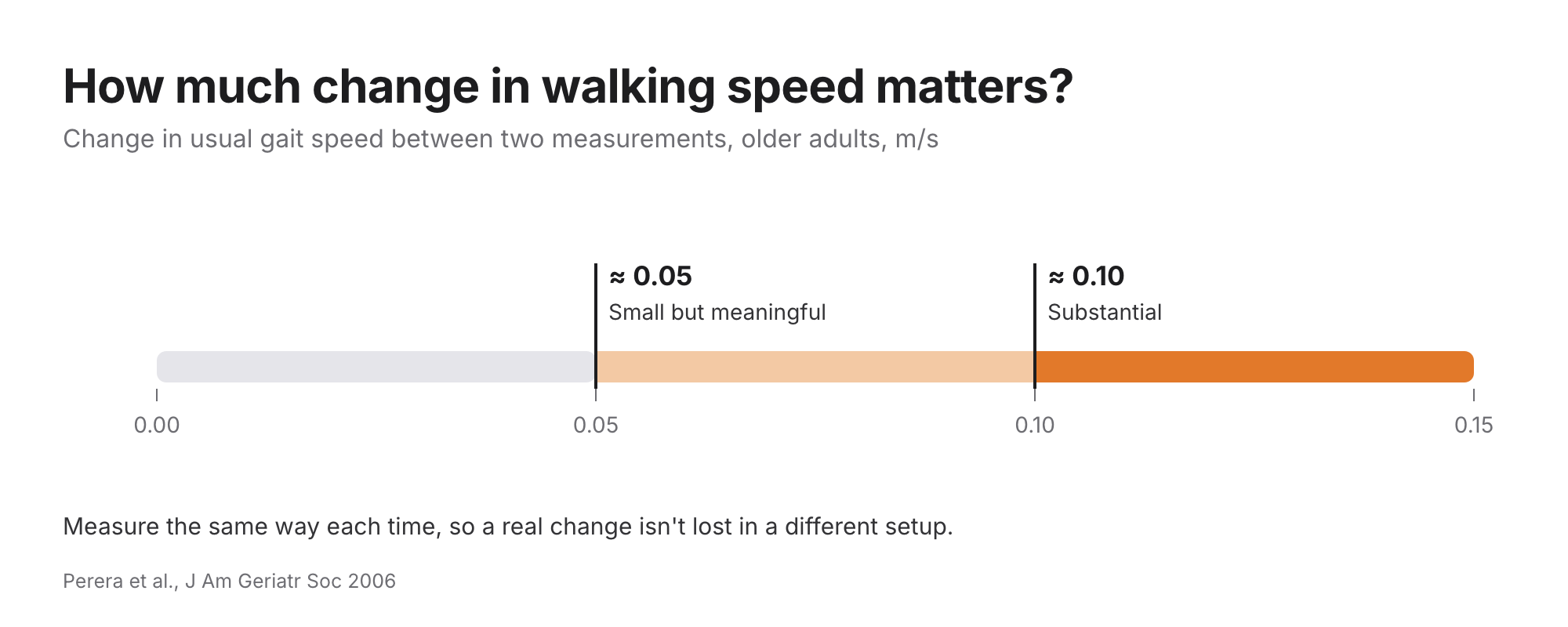
A home measurement becomes useful when you can trust that a change is real and not just a different setup. For walking speed in older adults, a change of about 0.05 m/s is small but meaningful and about 0.10 m/s is substantial (Perera et al., 2006). Those are small differences, so keep the conditions the same:
- Same place, same direction, similar light.
- Similar shoes (or always barefoot) and similar clothes.
- Your usual pace. Hurrying or slowing down for the camera changes the result.
- A similar time of day, if you can. Measure when you're rested, not straight after exercise.
For what the numbers themselves mean, normal adult walking speed is about 1.2 to 1.4 m/s (Fritz & Lusardi, 2009). Our guide to what your walk says and what's normal covers the thresholds for older adults, and every value with its source is on the reference values page.
When a home check isn't enough
A home gait analysis is for screening and following change. It isn't a diagnosis. Talk to a healthcare professional if your walking changes suddenly, if you've fallen or nearly fallen, if walking is painful, or if a result worries you. Bring the report: a series of measurements taken the same way is far more informative than a description from memory.
Questions
Can you do a gait analysis at home? Yes. A camera-based app needs only a phone and a clear stretch of floor: you prop the phone up, walk toward it and get walking speed, step length, cadence and left–right balance from the video.
Do I need sensors or a wearable? Not for a camera-based app. Phone-in-pocket apps use the phone's own motion sensors, and insole systems need sensor insoles.
How often should I measure? Often enough to see a trend, always the same way. Once a week is an easy rhythm to keep; after an illness, surgery or a change in treatment you may want to measure more often.
Is a home gait analysis as accurate as a gait lab? In controlled studies, camera methods have measured gait speed close to lab references. Results depend on the tool, the person and the setup. Step Doctor's own comparison with a pressure-sensor walkway is an internal study, not yet peer-reviewed; the science page explains what has and hasn't been validated.
What happens to my video in Step Doctor? Videos and results are encrypted in transit and at rest. Videos are used only to produce your results and are deleted from our servers after about 72 hours. Results are never sold or used for advertising.
Step Doctor runs gait analysis at home on iPhone and Android. Read more about gait analysis in Step Doctor, or download it from the App Store or Google Play. It's free to download; each test uses credits, and new accounts get welcome credits.
Step Doctor supports screening and monitoring. It doesn't diagnose, and results should inform, not replace, the judgement of a healthcare professional.