Walking test
Gait analysis app: see how you walk
Walk toward your phone at your usual pace for a few seconds. Step Doctor rebuilds your walk in 3D from the video and measures how fast, how evenly and how steadily you walk, with no sensors or wearables.
- Time
- About 1 min
- You'll need
- A clear walkway




See it in action
A typical walk (gait score 84), then a slower one (23) for contrast, each beside the analysis the app produced: speed, cadence, step length and timing. Played at 0.6× speed; every time on screen is in real seconds.
Real tests from Step Doctor, replayed on the app's 3D avatar (no faces are shown).
What it measures
Walking speed
How fast you walk, in centimetres per second. Walking speed is one of the most studied markers of health and independence in older adults.
Cadence
Steps per minute: the rhythm of your walk.
Stride and step length
How far each foot travels, shown for your left and right side.
Step and cycle time
How long each step and each full gait cycle takes.
Stance and swing
The share of each gait cycle a foot spends on the floor and in the air.
Left–right balance
How closely your two sides match in step time, stride length, stance and swing.
Consistency
How steady your rhythm stays from one step to the next.
Gait score
One number from 0 to 100 that sums up the walk.
How to do it
Calibrate once
The first time, the app checks the camera with the phone standing upright and still. Each camera only needs this once.
Stand the phone up
Prop it on a stable surface facing a straight, well-lit space with room for at least four steps, or ask someone to film. Fitted clothes help the camera see your legs.
Walk toward the phone
Walk at your usual pace while the recording runs: 7 seconds by default, or 3, 5 or 10 seconds if you change it in settings.
Get your result
The video is analysed in under 10 seconds after upload. You get your gait score, every measure with its typical range, a 3D replay and a PDF report.
Normal values and cut-offs for gait speed, TUG, SPPB and sit-to-stand, with sources
How it's scored
The gait score combines the measures into one number. Each measure is also shown against its typical range and marked Typical, Borderline or Outside range, so you can see which part of your walk needs attention.
Needs attention · under 60 · Fair · 60–69 · Good · 70+
Example: a real walk, score 88.
Step Doctor supports screening and monitoring. It doesn't diagnose, and results should inform, not replace, the judgement of a healthcare professional.
Who it's for
- People who want to keep an eye on how they walk, at home and over time.
- Families following a parent's mobility between doctor's visits.
- Physiotherapists and clinics who want a repeatable walking measure between sessions.
Questions
How accurate is gait analysis from a phone video?
Step Doctor reconstructs your body in 3D from ordinary video, without markers or sensors. We compared its measurements with a pressure-sensor walkway in an internal study; that study is not yet peer-reviewed, and we'll publish the method and results.
How long do I need to walk?
The recording runs for 7 seconds by default. You can choose 3, 5, 7 or 10 seconds in settings; longer walks capture more steps.
Can I see my progress over time?
Yes. Every result is saved to your history, and the Stats tab shows the trend of your gait score with your walking rhythm and left–right balance, next to your other tests.
Does someone need to film me?
No. Prop the phone on a stable surface and walk toward it. If you'd rather, someone else can hold the phone and film you.
Is a gait score a diagnosis?
No. It's a summary of how you walked in that recording, useful for screening and for following changes over time. Talk to a healthcare professional about any result that worries you.
Read more
Is Gait Analysis From a Phone Accurate? How Validation Works, and What Studies Show
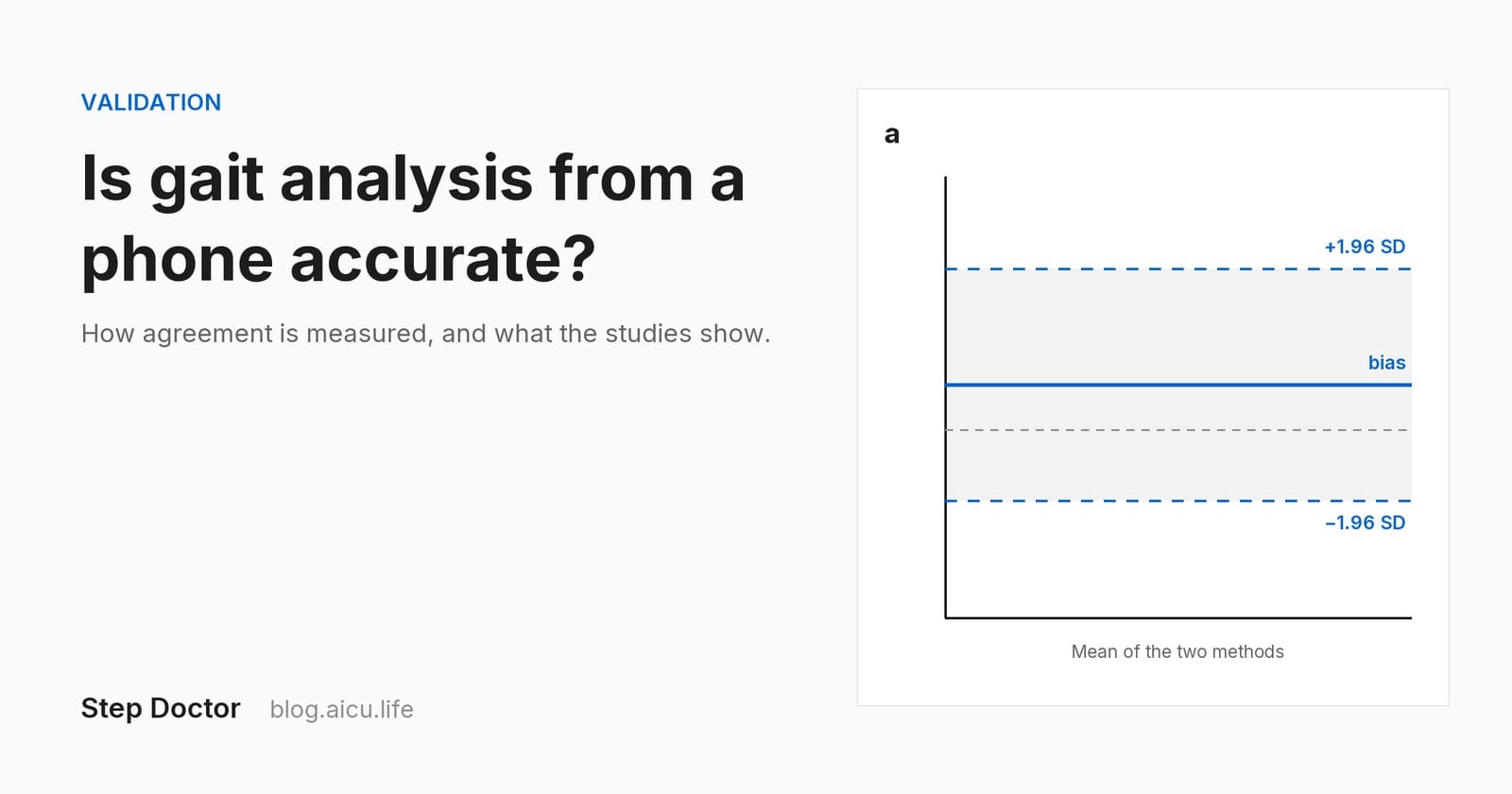
How gait measurement is validated (reference systems, ICC, Bland–Altman limits of agreement, meaningful change), what published studies of camera and phone tools found, and six questions to ask of any app's evidence.
Gait Analysis at Home: What Your Walk Says and What's Normal
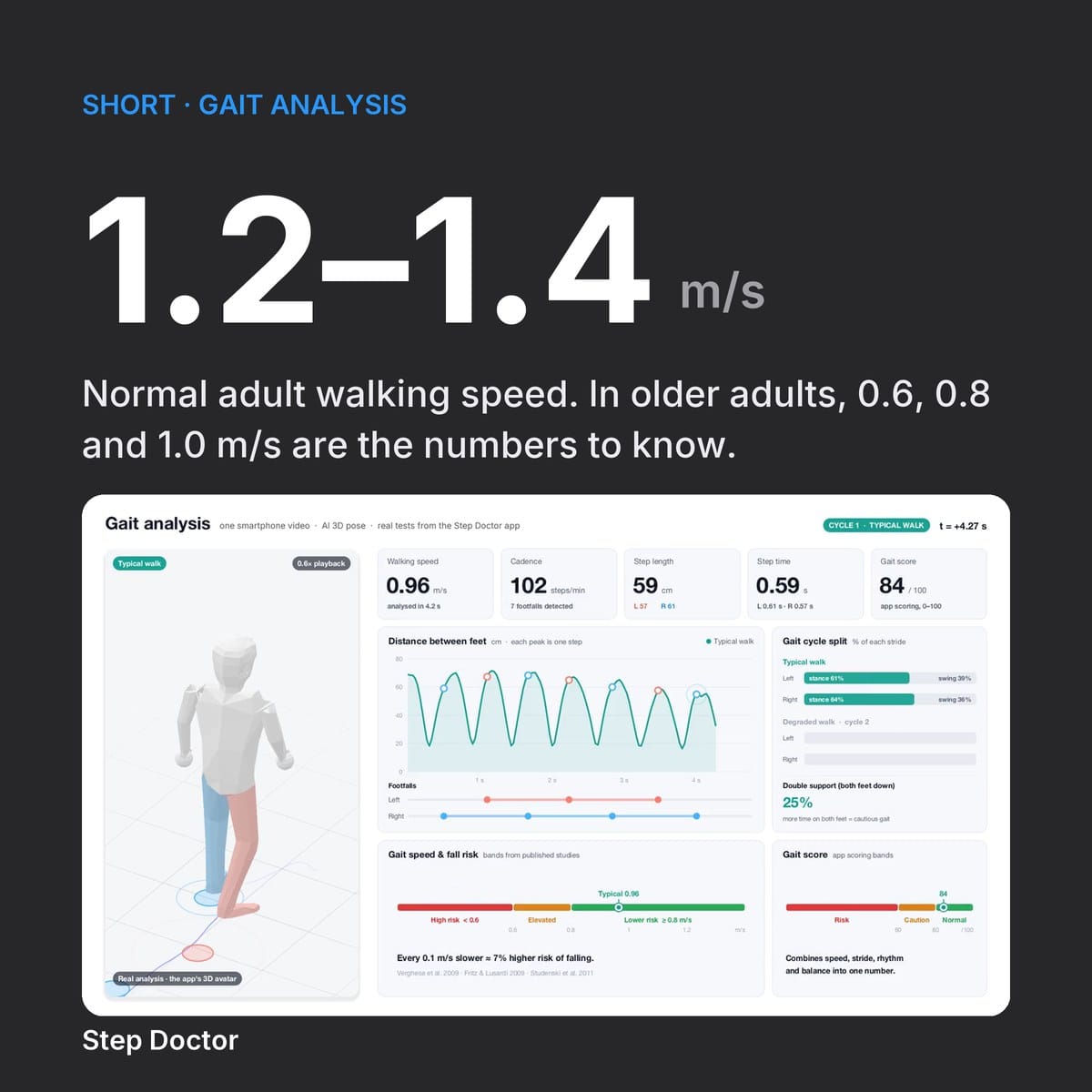
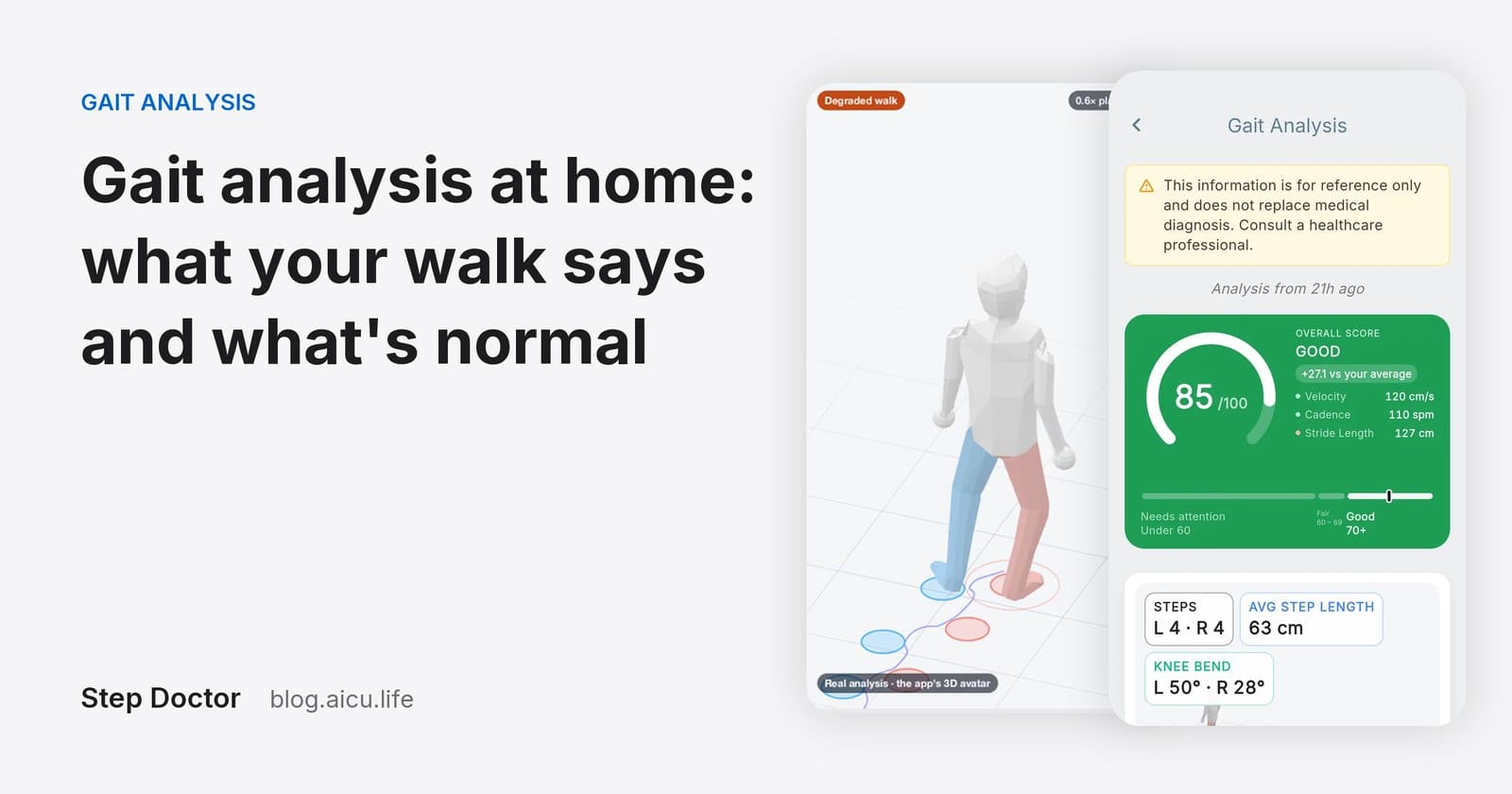
What gait analysis measures, what a normal walking speed is (about 1.2–1.4 m/s in adults), the thresholds that matter for older adults and how to measure your walk at home with a phone.
The other tests in Step Doctor
Mobility and fall risk screening
Timed Up and Go (iTUG)
Stand up from a chair, walk 3 m, turn, walk back and sit down. Step Doctor times the whole test from the video and grades each of its six phases against published reference values. Timed this way, it's an instrumented TUG (iTUG).
Learn moreShort Physical Performance Battery
SPPB
Three balance stances, two 4 m walks and five chair stands, scored 0–12 on the standard SPPB scale with its limitation bands. Voice prompts guide every step, so you never touch the phone.
Learn moreGet Step Doctor
Free to download on iPhone and Android. Each test uses credits, and new accounts get welcome credits.